Every HVAC call creates a paper trail: the customer request, diagnosis, estimate, approved work, invoice, and often a parts receipt. When those details sit in texts, notebooks, and separate spreadsheets, a full day of service can create an office backlog. HVAC service management software brings that work into one organized workflow, so small contractors can manage jobs from the field without rebuilding the record later.
HVAC service management software helps contractors organize customer and job records, create estimates, send invoices, track receipts, and update work from a mobile device. For a small HVAC business, the best choice is a simple platform that supports the team's daily workflow without adding unnecessary enterprise complexity.
This guide compares the capabilities that matter most, explains how to evaluate pricing, and shows where a contractor-focused platform such as JobPilot can fit. For the broader category, start with this field service management software guide, then use the HVAC-specific criteria below.
What Should HVAC Service Management Software Handle?
Good HVAC service management software keeps the service call, customer details, estimate, field notes, receipts, and invoice connected. It should reduce duplicate entry and make the next action clear, whether the owner is answering a call, a technician is at a home, or the office is following up on completed work.
The right system makes the path from first call to final payment easier to follow. That does not mean every platform needs every possible feature. It means the core record should stay connected as the job moves from an opportunity to scheduled work, active service, completed work, and an invoice that needs attention.
A dependable record for each service call
A useful system gives each customer and job a clear home. The record should show why the customer called, what the technician found, what work was proposed, and what still needs to happen. Keeping these details together reduces the time spent searching through messages or asking a technician to reconstruct a visit from memory.
This matters for an owner-operator who may answer the phone, drive to the job, sell the repair, complete the work, and handle the books. A central record creates continuity between those roles. It also gives a small office team a shared view when a customer calls for an update.
Mobile access where the work happens
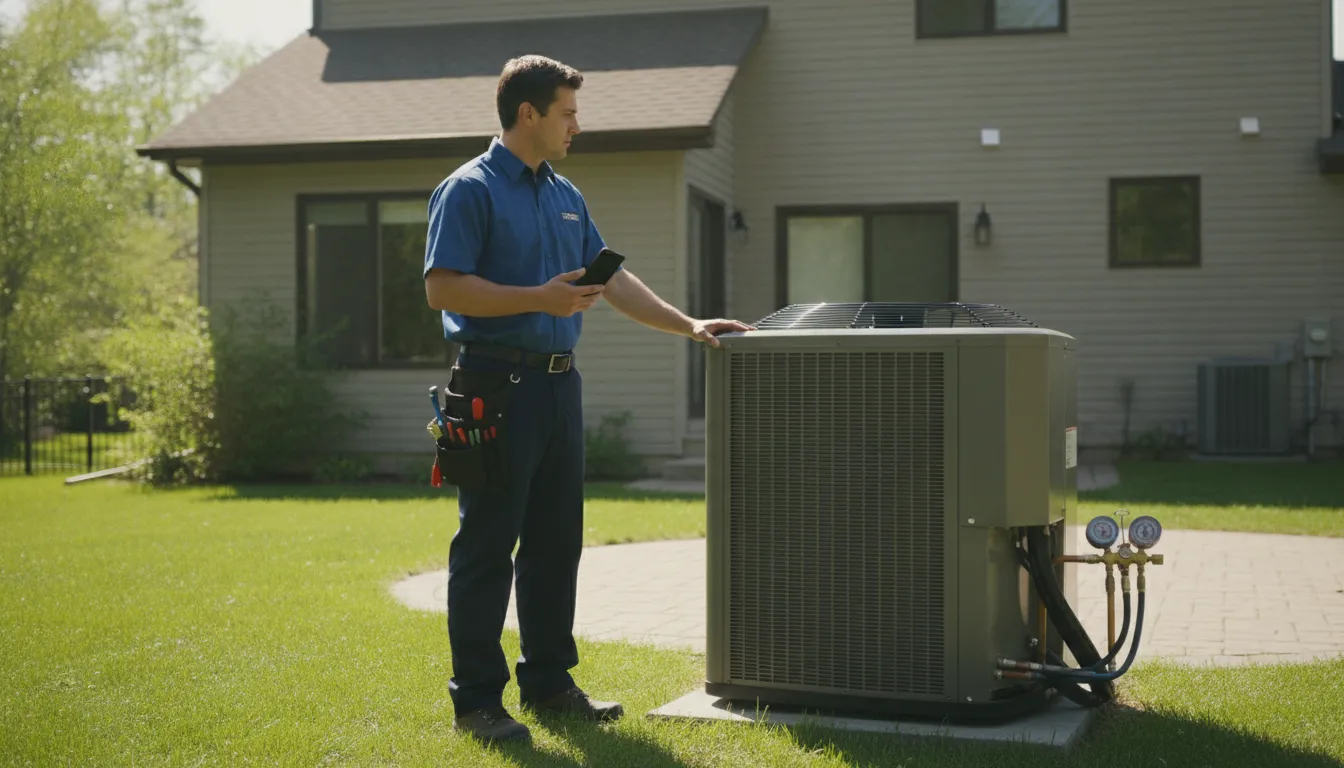
HVAC technicians rarely work at a desk. The software needs to be practical on a phone or other mobile device. A technician should be able to create a job, add notes, review details, and move the work forward while the information is fresh, whether the call is beside an outdoor unit, in a mechanical room, or between jobs.
Ease of use matters more than a crowded menu. If a technician needs too many steps to update a job, the team may postpone the work until the end of the day. That creates a second administrative shift and increases the chance that details will be missed. Test the real workflow, not only the feature list.
Estimates, invoices, receipts, and follow-through
Scheduling is only one part of running an HVAC business. Contractors also need to prepare estimates, turn approved work into completed jobs, send invoices, and keep receipts tied to the right work. The closer those steps stay together, the less duplicate entry the owner or office team has to perform.
Better organization does not guarantee faster payment, but it can make timely invoicing easier. It also gives the owner a clearer view of work that is proposed, active, complete, or awaiting payment. That visibility is more valuable than a long list of features that the team rarely uses.
Which HVAC Software Options Fit Different Contractors?
The best HVAC software depends on business size, service model, and workflow complexity. Owner-operators often need quick mobile updates and connected estimates and invoices, while larger commercial teams may need deeper operational controls. Compare practical fit and adoption effort, not just the number of features in a vendor's plan.
A commercial contractor with multiple crews and complex maintenance agreements may need deeper operational controls. An owner-operator may need a fast mobile workflow for calls, estimates, invoices, and expenses. Both businesses need reliable records, but they should not evaluate tools in exactly the same way.
Use the comparison below to organize a shortlist. It describes practical fit, not a universal ranking. Vendor plans and features can change, so confirm current details directly with each provider before making a purchase.
| Option | May fit | Evaluate carefully |
|---|---|---|
| JobPilot | Owner-operators and small HVAC teams that want mobile-first job and CRM workflows. | Whether jobs, estimates, invoices, receipts, and employee or crew needs match the current operation. |
| Jobber | Small service businesses looking for a broadly focused operating platform. | Plan limits, HVAC workflow needs, and technician adoption. |
| Housecall Pro | Residential and growing home-service companies comparing general field tools. | Dispatch, estimates, invoicing, communication, and the selected plan's included features. |
| Workiz | Small and growing home-service businesses comparing general business management tools. | How the workflow maps to the team's calls, customer records, and field updates. |
| ServiceTitan | Established HVAC companies with larger teams and more complex processes. | Implementation effort, training, reporting requirements, and total cost of ownership. |
| FIELDBOSS or Fieldpoint | Commercial HVAC organizations considering ERP-oriented field operations. | Whether the operational depth is proportionate to the team's size and service model. |
| simPRO | Project-driven commercial contractors comparing deeper field-service systems. | Project handoffs, users, administrative workload, and required configuration. |
Separate a product category from a product promise
A vendor may describe scheduling, dispatching, preventive maintenance, work orders, or customer communication as part of its platform. Those categories help you understand the product's direction. They do not prove that a specific feature is available on every plan or works the way your team expects.
Ask each finalist to demonstrate one complete scenario. Start with a customer call about a failed air conditioner. Create the job, add the service details, prepare an estimate, mark the work as approved, record a receipt, and produce the invoice. Use the same scenario for every tool. Differences in speed, duplicate entry, and clarity will be easier to see.
Choose fit over the longest feature list
A small contractor can lose time and money by buying complexity the team does not need. The opposite mistake is choosing a tool that works for one technician but cannot keep records clear when employees or crews are added. The right shortlist balances today's workflow with a realistic path for growth.
Which Features Matter Most in the Field?
For most small HVAC companies, the highest-value features prevent information from getting lost between the service call and the invoice. Prioritize mobile job updates, connected estimates and invoices, receipt tracking, clear records, and a workflow that technicians can use consistently during a normal service day.
The essential features are the ones that help the team act quickly without making the owner maintain another disconnected system. Start with the daily path rather than a generic feature checklist.
Mobile job creation and updates
Technicians should be able to create or update a job while the details are still clear. The process should not require a long return to the office after every visit. Ask whether the app is easy to use with one hand, whether a technician can find an active job quickly, and whether the owner can understand the update later.
During a trial or demonstration, test a common repair rather than a perfect example. Create the customer record, add the request, write a short field note, and change the job status. If the process is confusing for the people who will use it most, additional features will not fix the adoption problem.
Estimate creation without rework
Estimates matter when a customer is deciding whether to approve a repair or replacement. A useful workflow lets the contractor build the estimate from the job details instead of retyping the visit in a separate document. Ask how revisions are handled, because HVAC work can change after a closer inspection. The current proposal should be easy to distinguish from an earlier version.
Invoicing and payment follow-through
Once work is complete, the invoice should be easy to prepare from the same job record. The owner needs a clear way to see what was done, what was billed, and which jobs still need attention. Review the steps from approved estimate to completed job to invoice. Look for duplicate entry and unclear status labels.
Receipt and expense tracking
Parts and supplies are part of the job, but paper receipts often end up in a truck, pocket, or desk drawer. A consistent receipt process helps the owner connect expenses to the work and reduces the month-end search for missing information. Confirm how a technician records a receipt away from the office and how the owner finds it later.
Employee and crew visibility
As an HVAC business adds employees, the owner needs to know who is responsible for each job and what still needs to happen. JobPilot supports employee and crew management through its Enterprise plan, so a growing team can evaluate that path when it becomes relevant. For a broader view of contractor workflows, visit the JobPilot contractor resources and review the contractor job management tools.
Try JobPilot for your HVAC workflow
How Much Does HVAC Service Management Software Cost?
HVAC service management software costs vary by users, features, support, setup, and business size. Compare the full cost of adoption, including administrative time, training, data migration, and user adoption, rather than comparing monthly subscription prices alone.
There is no single HVAC software price that applies to every business. A solo technician and a multi-crew commercial contractor should not compare plans as if they have the same needs. Cost can change with the number of users, workflow depth, included support, onboarding requirements, and service model.
Count users and actual requirements
Start by listing who needs access and what each person must do. A technician may need mobile job updates and field notes. An owner may need estimates, invoices, receipts, and a complete view of the business. Office staff may need customer and job records. Paying for access that is never used does not improve the workflow.
Separate essential requirements from nice-to-have features. If the business needs basic job management and invoicing, a platform built around those daily tasks may be a better starting point than a system designed for a much larger operation. If the team has specialized commercial requirements, confirm them before selecting a simpler tool.
Include the cost of adoption
Subscription cost is only one part of the decision. Ask how long setup takes, how much training is required, and whether technicians can learn the workflow without a long classroom session. Also consider the current cost of paper, duplicate entry, delayed estimates, and invoices that wait until the owner has time to catch up.
Make the comparison concrete. For every finalist, estimate the time needed to complete a service call, send an estimate, record a receipt, and prepare an invoice. A lower monthly price is not a good value if the team continues doing the same paperwork manually.
Review free-to-start positioning carefully
JobPilot is designed as a free-to-start platform for small service businesses. Review the current JobPilot pricing information and confirm the plan details that apply to your team. Do not choose software based on a promotional label alone. Confirm what is included, which capabilities depend on a plan, and whether the workflow supports the work your team needs to manage now.
How JobPilot Fits a Small HVAC Business
JobPilot fits a small HVAC business when the priority is organized jobs, faster estimates, timely invoices, receipt tracking, and mobile access without unnecessary enterprise complexity. It is a contractor job management and service business CRM platform, with employee and crew management available through its Enterprise plan.
JobPilot is built for small field-service companies, including HVAC businesses. Its focus is practical: help contractors create and manage jobs, prepare estimates, send invoices, track receipts, and work from a mobile device. That makes the platform worth considering when the main problem is scattered information rather than a lack of advanced operational systems.
An owner or technician can keep job details available in the field, respond to estimates sooner, and spend less time rebuilding paperwork after the service day. The test is straightforward: start a job on a phone, add service details, prepare the estimate, and keep the record current through completion.
A mobile-first path for owner-operators
For an owner-operator, the value is often in the handoff between field work and office work. JobPilot is designed to keep jobs, estimates, invoices, and receipts in one workflow. That can make it easier to update the record before driving to the next call and easier to review the business later.
A starting point for small teams
A small HVAC team needs visibility without turning every update into a management project. JobPilot supports employee and crew management through its Enterprise plan, giving growing businesses a way to evaluate team coordination as their needs change. The appropriate plan depends on the business, so confirm the current options before deciding.
JobPilot may not be the right fit for every large organization or specialized commercial workflow. A company with complex requirements should map those needs and verify them directly. For a small contractor focused on organized jobs, faster estimates, timely invoices, and cleaner receipt tracking, a simpler path can be more useful.

How Should You Choose HVAC Service Management Software?
Choose HVAC service management software by testing the work your team performs, not by counting features on a sales page. Use the same service scenario for every finalist, involve a field user, compare total adoption cost, and select the platform your team can update consistently during a normal workday.
Use this seven-step process to compare tools fairly:
- Map the current job path. Write down what happens from the first customer call through the final invoice. Include notes, estimates, approvals, receipts, follow-up, and payment status. This exposes the handoffs that software needs to improve.
- Test the mobile workflow. Have a technician create a job, add a field note, change the status, and find the record again from a phone. The software should support the field rather than push work back to the office.
- Walk through estimate to invoice. Use a real repair or replacement example. Prepare the estimate, revise it, record the completed work, and create the invoice. Note every step that requires duplicate entry.
- Check receipt handling. Ask how a technician records a parts receipt and how the owner connects it to the right job later. The process should work during a normal service day, not only during a weekly bookkeeping session.
- Confirm team visibility. If employees or crews are involved, check how responsibility and job progress are represented. Avoid a system that adds management overhead without giving the owner a clearer view.
- Compare total fit. Include subscription, users, setup, training, support, and the administrative time your current process consumes. A practical comparison is more useful than a monthly price table without context.
- Ask daily users for feedback. The person who answers the phone and the technician who completes the work may judge the same tool differently. Collect both perspectives before choosing.
After the test, select the platform that your team can use consistently. Consistent updates create better records than an advanced system that is left untouched until the end of the week.
For a closer look at the category, revisit the field service management software guide. You can also compare the current JobPilot pricing and explore the JobPilot demo page.
Compare your HVAC workflow with JobPilot
Frequently Asked Questions
What is HVAC service management software?
HVAC service management software organizes work around service calls, including customer and job records, estimates, invoices, receipts, and field updates. It gives a contractor one place to manage information that might otherwise be spread across paper notes, texts, spreadsheets, and separate files.
What is the best HVAC service management software for a small contractor?
The best option is the one that fits the team's real workflow and is simple enough to use consistently. Compare mobile job updates, estimates, invoices, receipt tracking, user needs, and room to grow. Run the same service scenario in each finalist before deciding.
How can HVAC software help a contractor save time?
It can reduce duplicate entry and the time spent searching for job details. Keeping the customer, job, estimate, invoice, and receipt connected can make it easier to update records during the day and follow up on work later. Time savings depend on adoption and workflow quality.
Is HVAC service management software expensive?
Pricing varies with users, features, support, setup, and business size. Compare total adoption cost rather than the subscription alone. JobPilot is designed as a free-to-start option for small service businesses, but contractors should review current plan details and confirm what their workflow requires.
Can a small HVAC business use a mobile job management app?
Yes. A mobile app can help an owner or technician create jobs, update field details, prepare estimates, and keep records current without returning to the office after every visit. Test the workflow on a phone with a realistic service scenario before choosing.